The best home EV chargers with an app
This page contains affiliate links. If you buy through them we may earn a commission, at no cost to you. As an Amazon Associate, GroveVolt earns from qualifying purchases. Learn more
Quick picks
 Illustrative scene
Home Flex↗
●●● PremiumOne flexible charger for any install
See on AmazonSpecs & who it’s for → Illustrative scene
Pulsar Plus↗
●●○ Mid-rangeSmall garages, two EVs, solar add-on
See on AmazonSpecs & who it’s for → Illustrative scene
Pro EV Charger↗
●●● PremiumSolar homes and tight electrical panels
See on AmazonSpecs & who it’s for →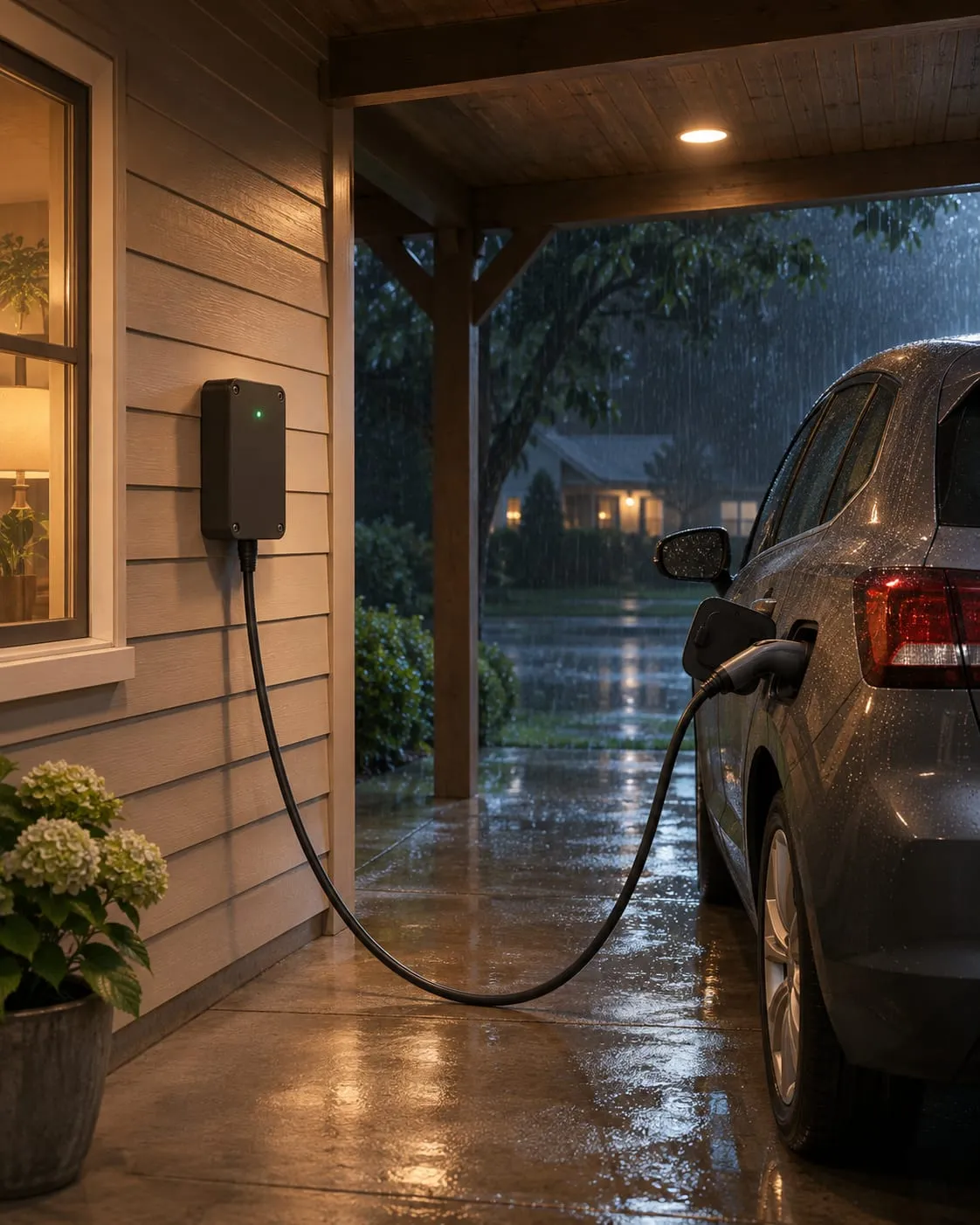 Illustrative scene
Classic Connect 40A↗
●●○ Mid-rangeRugged outdoor install with an app
See on AmazonSpecs & who it’s for →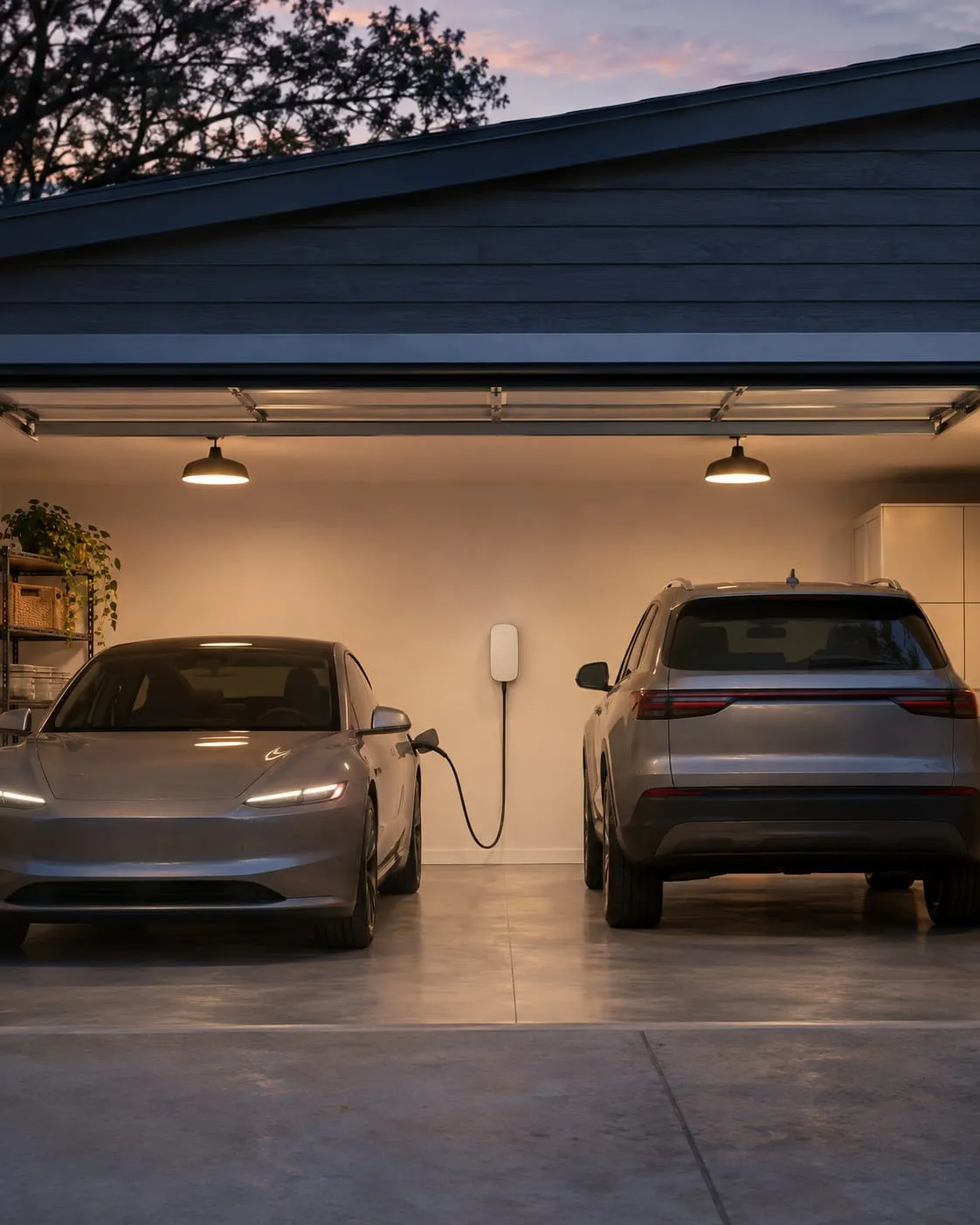 Illustrative scene
Universal Wall Connector↗
●●○ Mid-rangeMixed Tesla and non-Tesla garages
See on AmazonSpecs & who it’s for →The short answer
Most smart chargers let you schedule off-peak charging and see your energy use. Pick by what else you need — the ChargePoint Home Flex for install flexibility, the Wallbox Pulsar Plus for two cars, the Emporia Pro for solar, or the Grizzl-E Classic Connect for a rugged box on a budget.
Illustrative sceneHome Flex
A flexible 16–50 A smart charger that comes as a NEMA 14-50 or 6-50 plug-in (up to 40 A) or a hardwired unit (up to 50 A), with J1772 or NACS.
Specs side by side
| Model | Tier | Max current | Max power | Adjustable range | Connector |
|---|---|---|---|---|---|
| Home Flex ChargePoint | Premium | 50 A | 12 kW | 16–50 A (plug-in models 32 or 40 A) | J1772 or NACS versions |
| Pulsar Plus Wallbox | Mid-range | 48 A | 11.5 kW | 6 A to rated current (software) | J1772 or NACS versions |
| Pro EV Charger Emporia | Premium | 48 A | 11.5 kW | Not stated by maker | J1772 or NACS versions |
| Classic Connect 40A Grizzl-E | Mid-range | 40 A | 9.6 kW | 16–40 A | J1772 or NACS versions |
| Universal Wall Connector Tesla | Mid-range | 48 A | 11.5 kW | 12–48 A (set at install) | NACS with integrated J1772 adapter |
Specs from manufacturer pages and manuals. Prices change often, so we don’t list them. Compare these in full.
What a charger app can do
| Feature | Why it matters |
|---|---|
| Scheduling | Charge in your utility’s cheapest hours. |
| Energy history | See what charging actually costs you. |
| Current limit | Turn charging down if your circuit or panel is shared. |
| Load sharing | Split one circuit between two chargers (Wallbox, Tesla). |
| Solar mode | Follow surplus solar (Emporia, Wallbox with meter, Enphase). |
How to choose
- Check what your car already does. If your EV’s own app schedules charging well, a simple charger may be enough.
- Check Wi-Fi at the mounting spot. Most of these use 2.4 GHz Wi-Fi; the ChargePoint also supports 5 GHz.
- Plan for a second EV. Only Tesla and Wallbox document two-charger load sharing among our picks.
- Match the connector. Every pick comes in a NACS version except the Tesla Universal (NACS with a built-in J1772 adapter).
- Book a licensed electrician for the 240-volt circuit.
Not sure? Take the 5-question quiz
FAQ
Do I need a smart charger to charge off-peak?
Not always. Many EVs can schedule charging from the car itself. A smart charger helps when your car can’t, when you want energy reports, or when your utility runs a charger-based program.
Does a smart charger work without Wi-Fi?
The chargers here still charge without Wi-Fi; you lose remote control, scheduling from the app and updates. Check Wi-Fi signal where the charger will mount.
Will my utility give a rebate for a smart charger?
Some utilities offer rebates or programs for ENERGY STAR or networked chargers. Rules change often — check your utility’s official page before you buy.
Sources
- ChargePoint Home Flex datasheet
- Wallbox Pulsar Plus (US) product page
- Grizzl-E Classic Connect product page
- Tesla Wall Connector power management
This guide is compiled from manufacturer specifications, not hands-on testing. See how we research.
More chargers to compare
Other models we cover, swipe or use the arrows.
 Illustrative scene
NEXUS Level 2↗
●○○ BudgetBudget wall unit, plug-in or hardwired
See on AmazonSpecs & who it’s for → Illustrative scene
Level 2 Charger 48A↗
●○○ BudgetLow-cost hardwired smart charging
See on AmazonSpecs & who it’s for →
 Illustrative scene
Mobile Connector (NACS)↗
●○○ BudgetTesla owners needing a travel cord
See on AmazonSpecs & who it’s for → Illustrative scene
Mini Connect (portable)↗
●●○ Mid-rangeRenters and road trips
See on AmazonSpecs & who it’s for →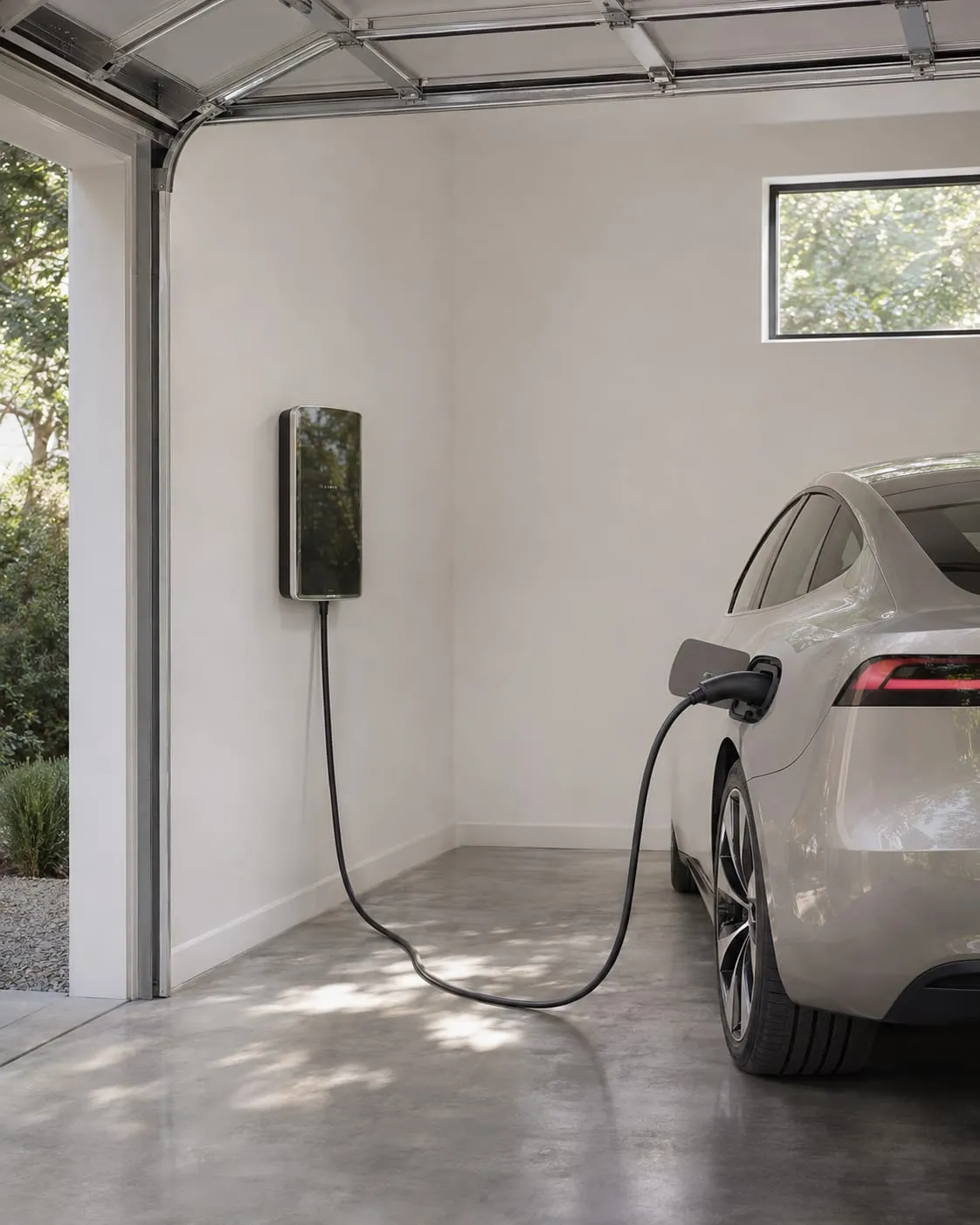
 Illustrative scene
MaxiCharger AC Elite Home↗
●●○ Mid-rangeMax power in very cold or hot climates
See on AmazonSpecs & who it’s for →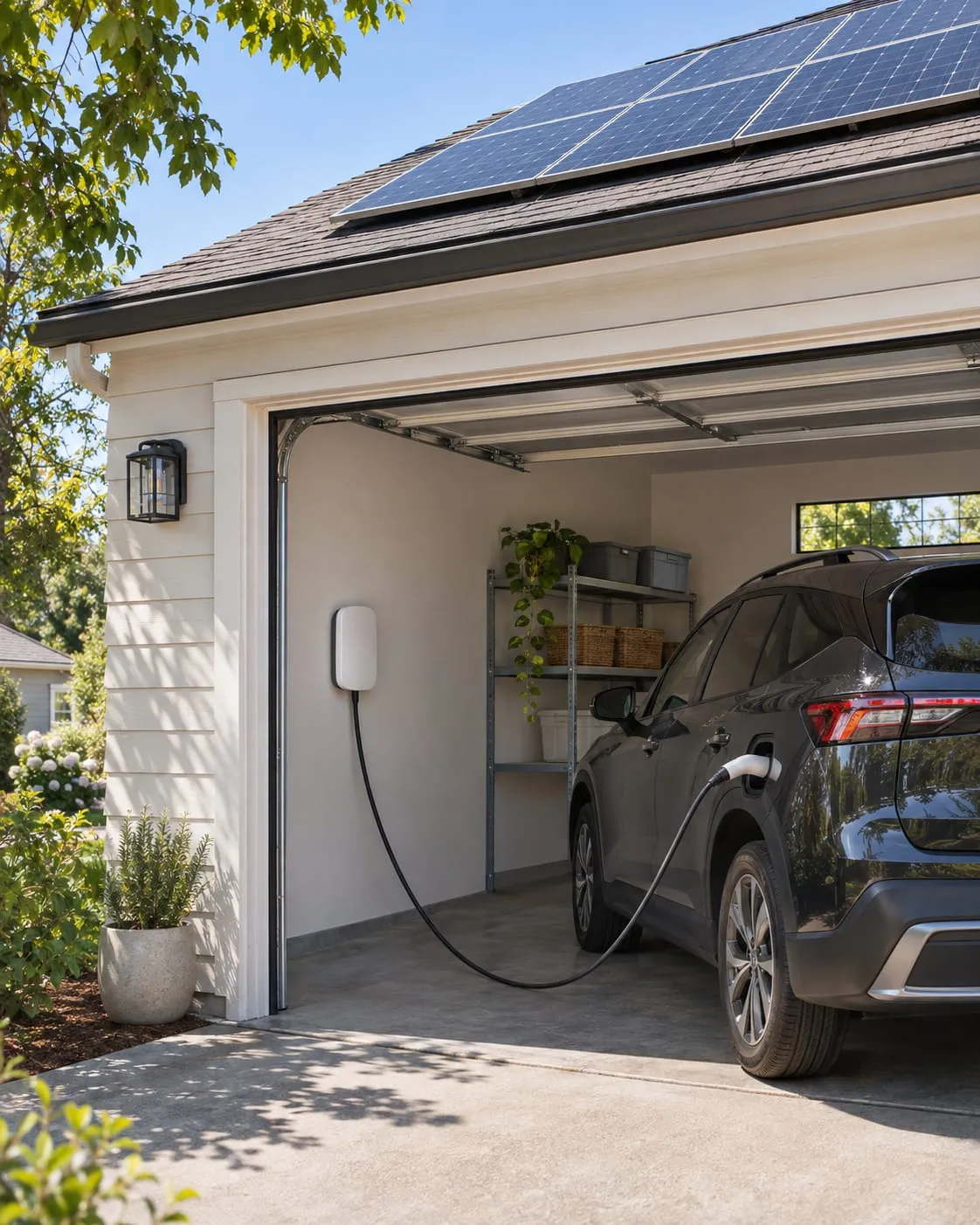 Illustrative scene
Classic EV Charger↗
●●○ Mid-rangeSmart charging without paying for Pro
See on AmazonSpecs & who it’s for →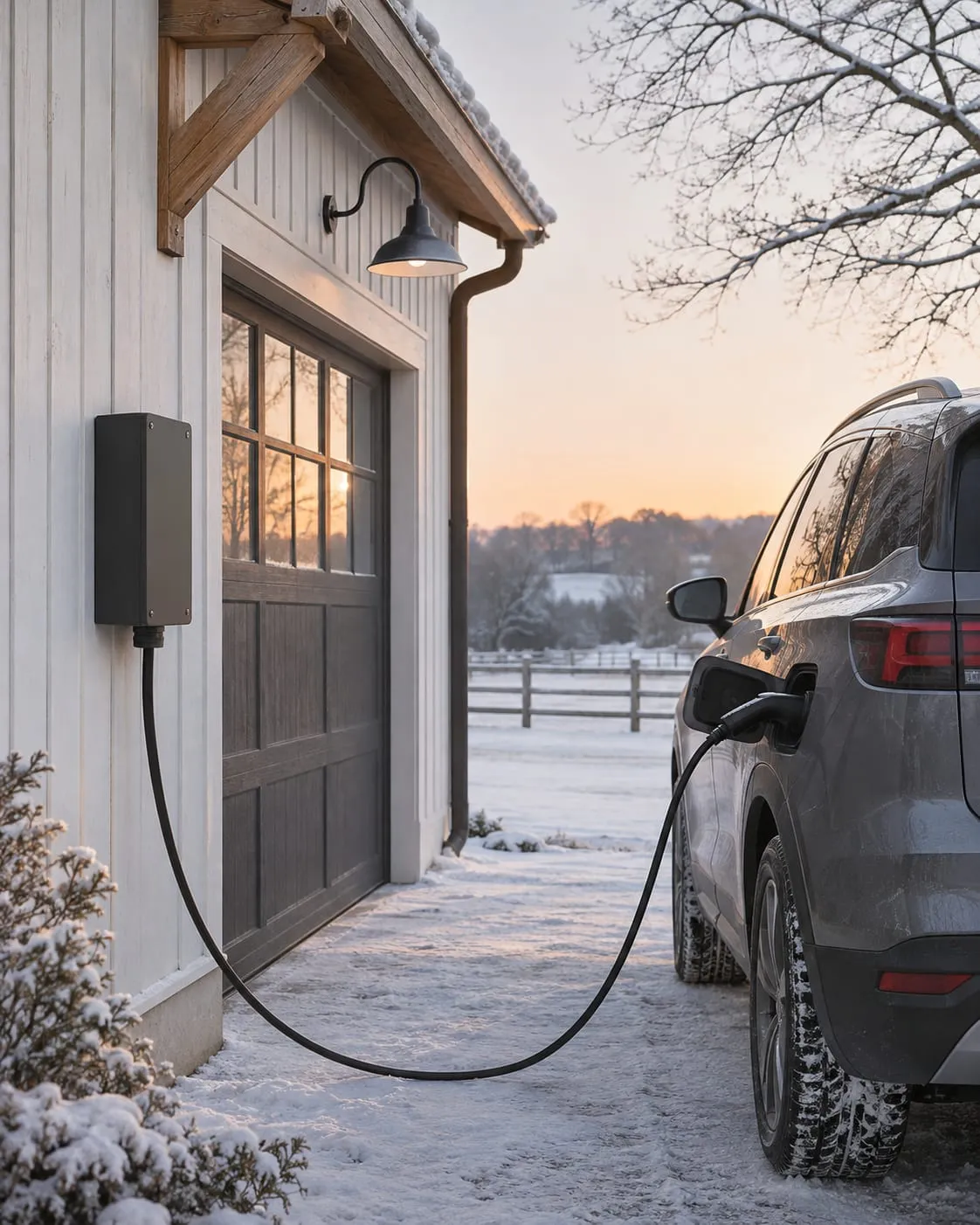 Illustrative scene
Ultimate 48A↗
●●○ Mid-rangeHardwired 48 A in harsh weather
See on AmazonSpecs & who it’s for →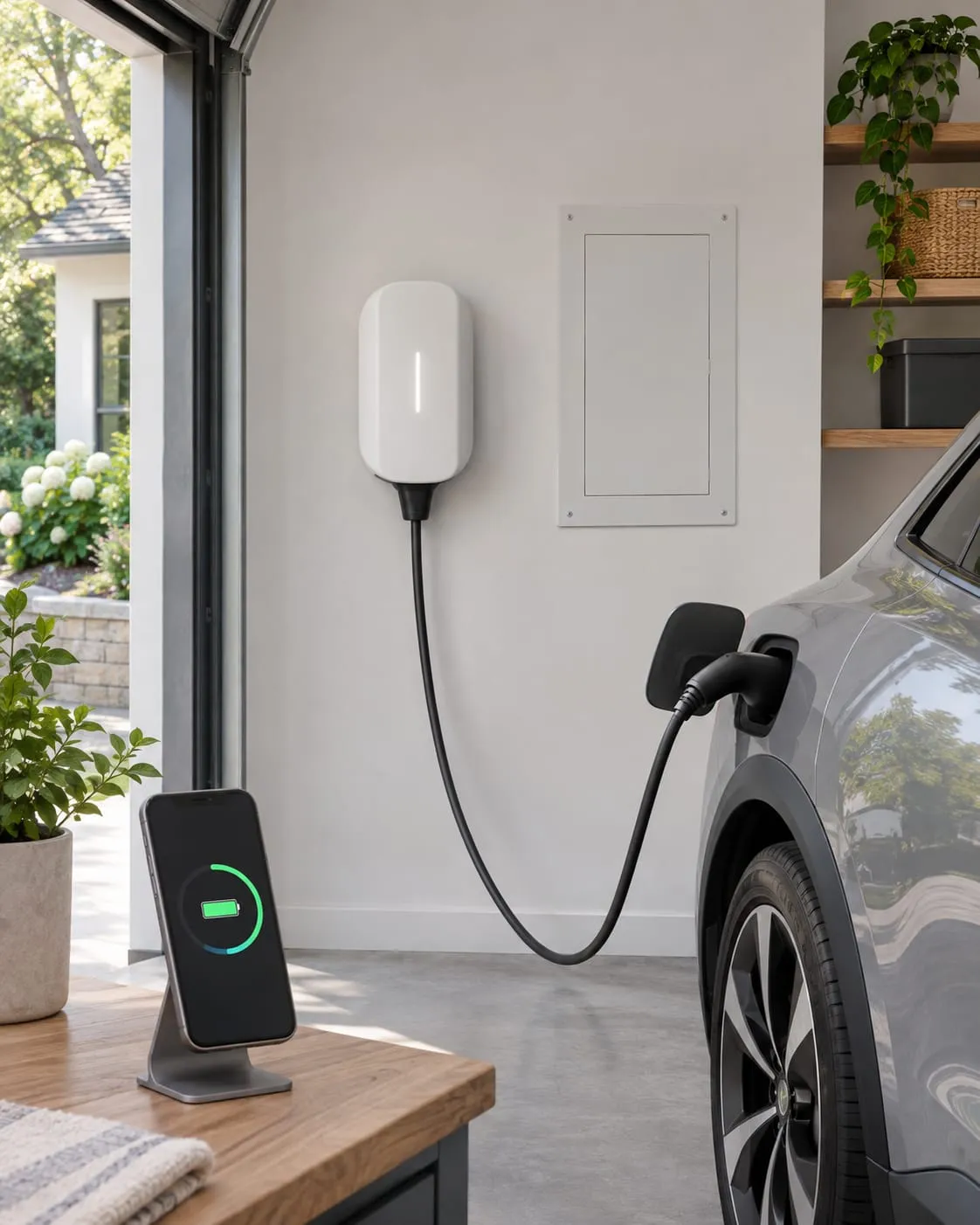 Illustrative scene
EV48W Smart 48A↗
●●○ Mid-rangeLeviton smart-home households
See on AmazonSpecs & who it’s for → Illustrative scene
Home 50↗
●●○ Mid-rangeHardwired 50 A with dual-band Wi-Fi
See on AmazonSpecs & who it’s for →
 Illustrative scene
Ultimate 80A↗
●●● PremiumBig batteries, big electrical service
See on AmazonSpecs & who it’s for →
Affiliate links: we may earn a commission at no cost to you. Prices aren’t listed — the retailer shows the current one. Disclosure
Charging accessories
Adapters, cable holders, pedestals and covers.
 Illustrative scene
NACS to J1772 Adapter 80A↗
●●○ Mid-rangeJ1772 car, Tesla-style home charger
See on AmazonSpecs & who it’s for → Illustrative scene
J1772 to NACS Adapter 80A↗
●●○ Mid-rangeTesla or NACS car, J1772 charger
See on AmazonSpecs & who it’s for →
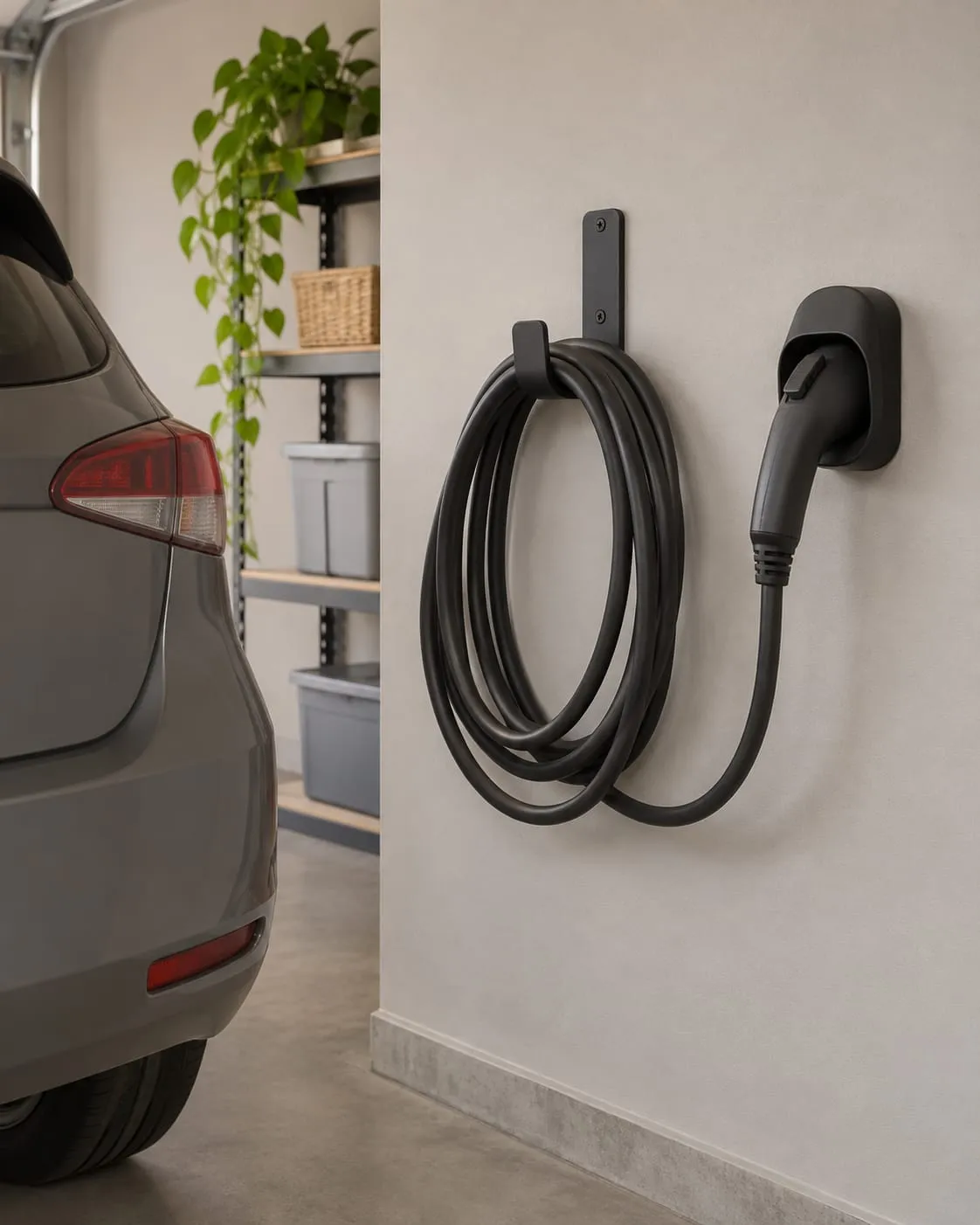 Illustrative scene
J1772 Dock + J-Hook↗
●○○ BudgetTidy garage with J1772 charger
See on AmazonSpecs & who it’s for →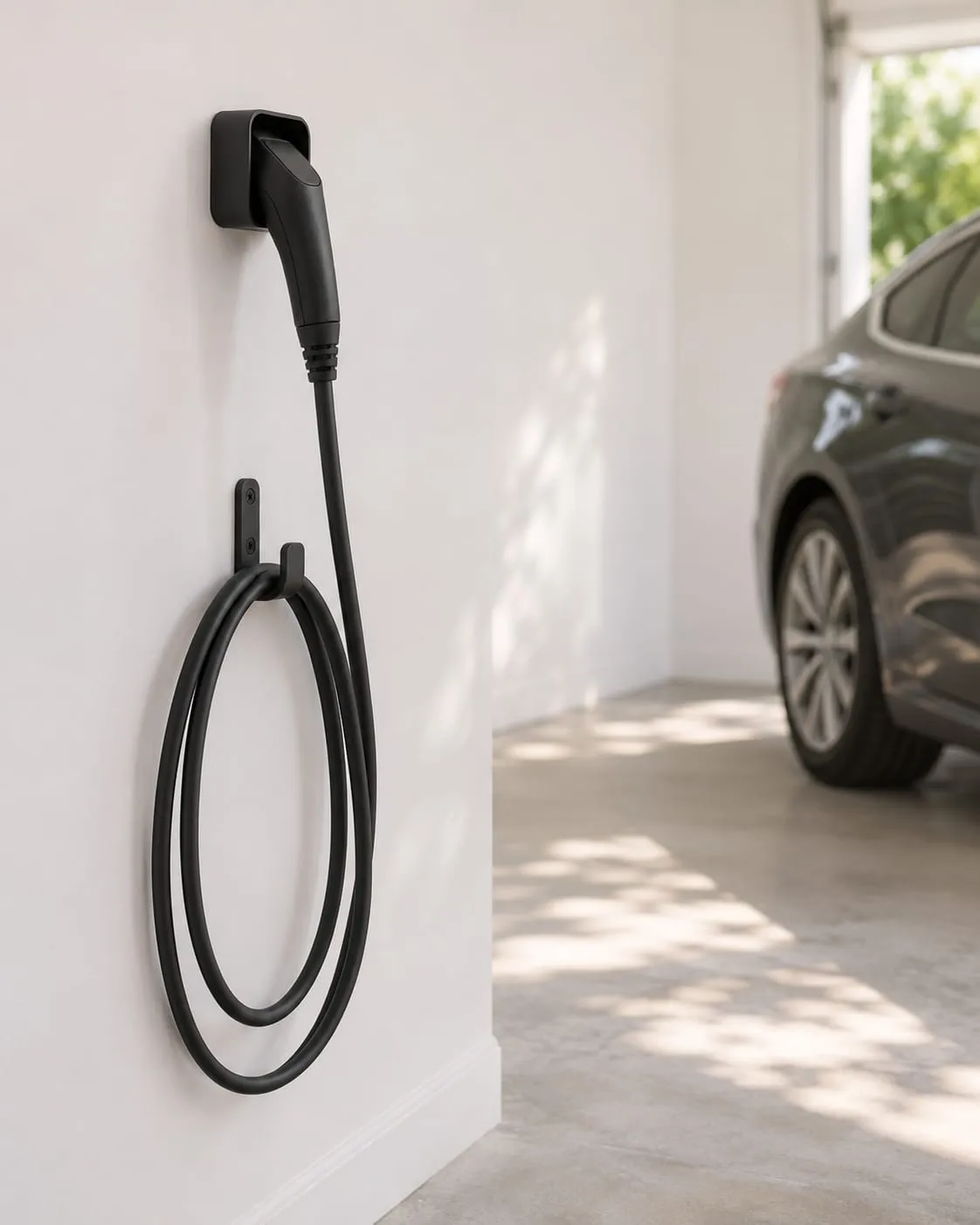 Illustrative scene
NACS Dock + J-Hook↗
●○○ BudgetTesla Mobile or Wall Connector
See on AmazonSpecs & who it’s for →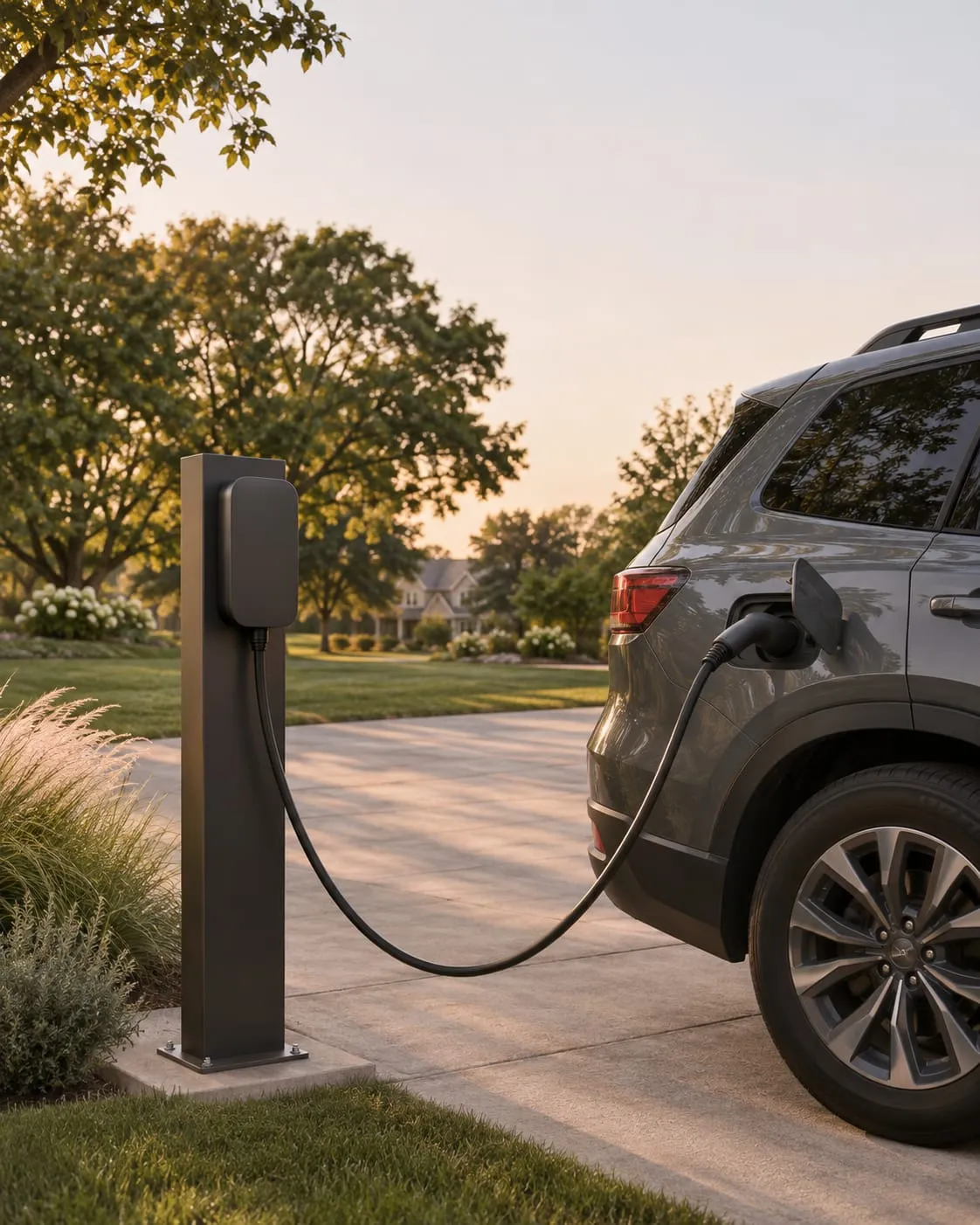 Illustrative scene
Eiffel Basic Pedestal (Mono)↗
●●● PremiumWallbox Pulsar charger, no wall
See on AmazonSpecs & who it’s for →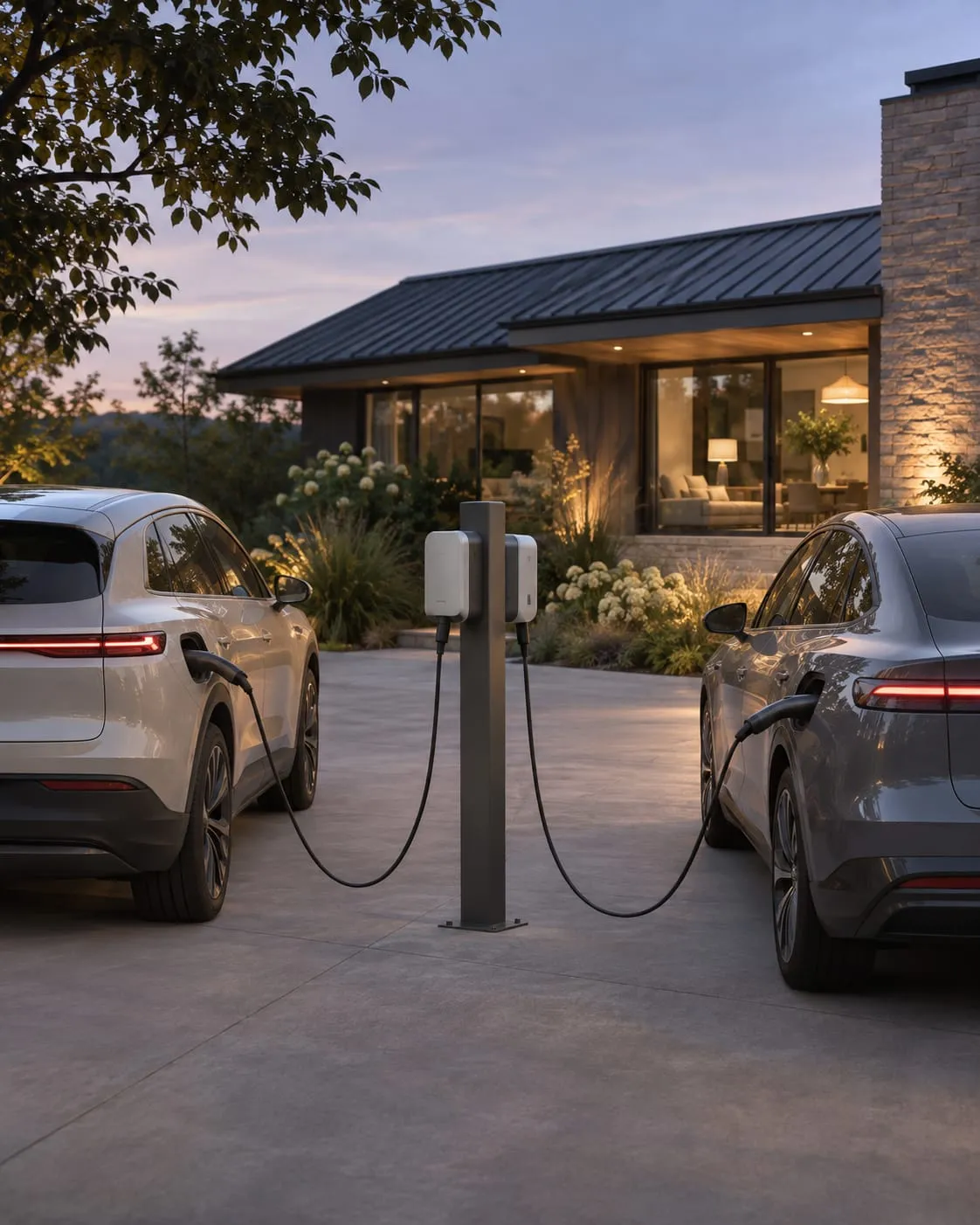 Illustrative scene
Eiffel Basic Pedestal (Dual)↗
●●● PremiumTwo Wallbox chargers, driveway
See on AmazonSpecs & who it’s for →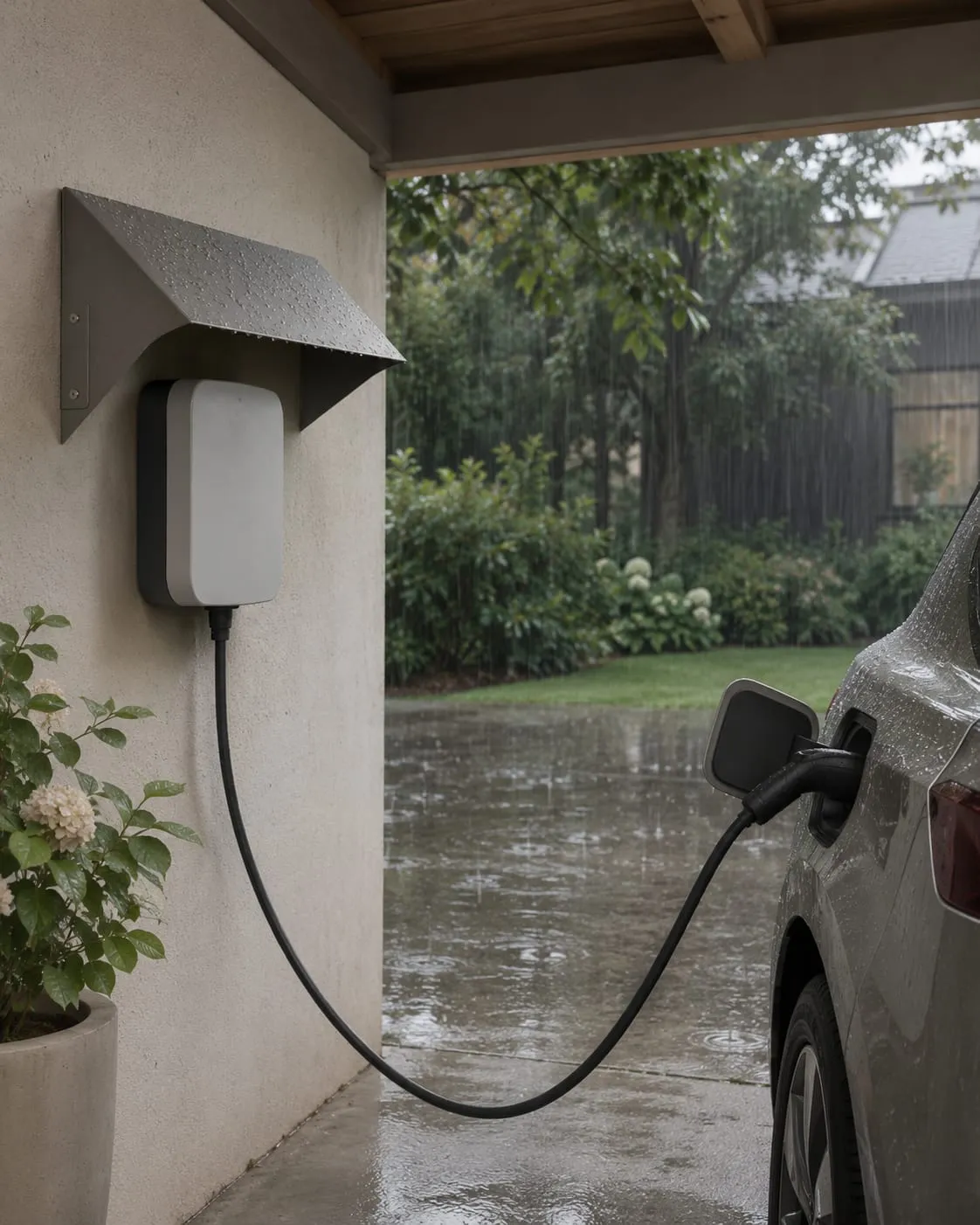 Illustrative scene
Rain Cover for Pulsar / Eiffel Basic↗
●●○ Mid-rangeOutdoor Wallbox Pulsar install
See on AmazonSpecs & who it’s for →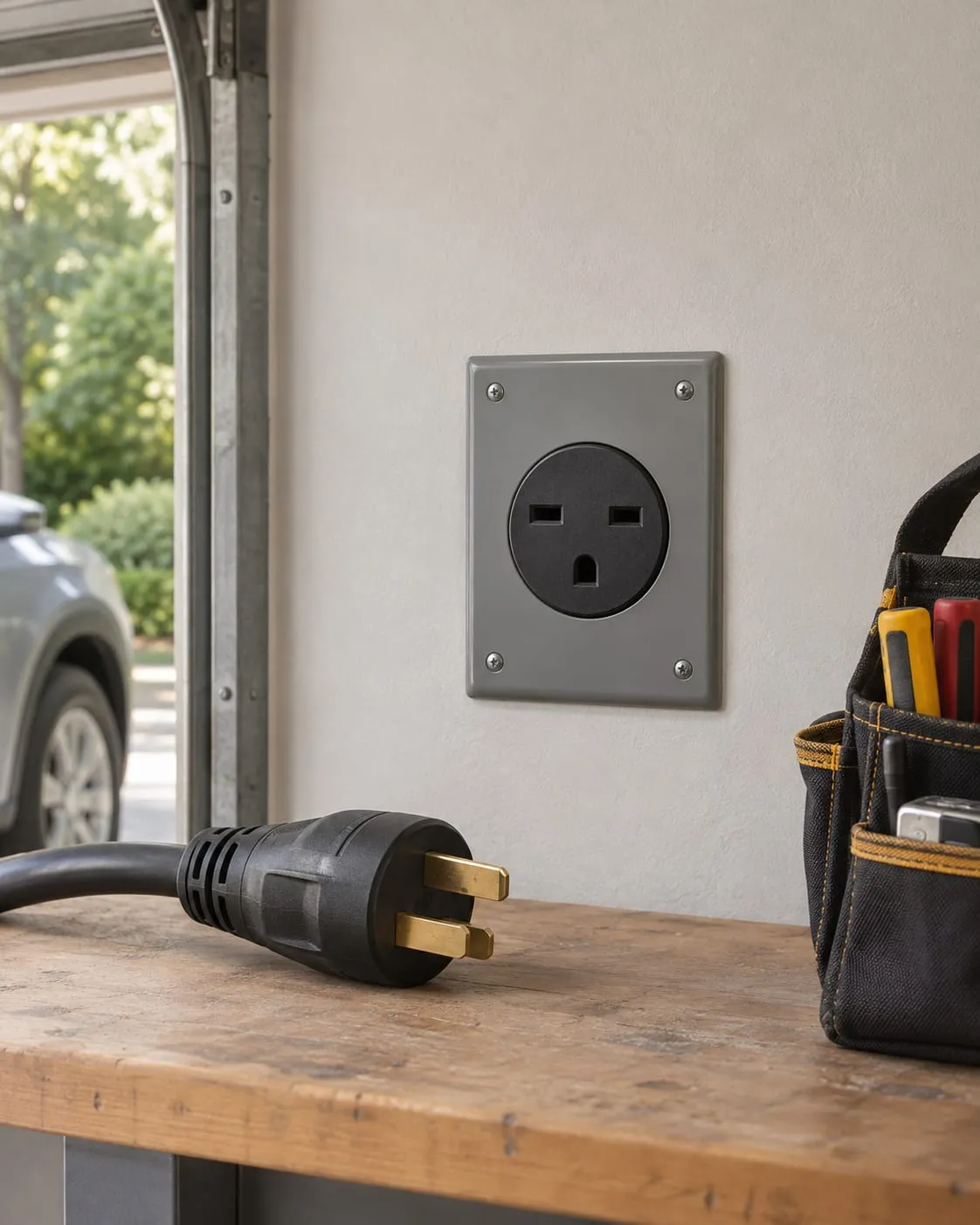 Illustrative scene
HBL9450A 14-50R Receptacle↗
●●○ Mid-rangePlug-in charger on NEMA 14-50
See on AmazonSpecs & who it’s for → Illustrative scene
Protective Case for EV Adapters↗
●○○ BudgetKeeping an adapter in the car
See on AmazonSpecs & who it’s for →Affiliate links: we may earn a commission at no cost to you. Prices aren’t listed — the retailer shows the current one. Disclosure
Related guides

The best EV chargers for a home with solar panels
Which Level 2 chargers can follow your solar output and charge from surplus sunshine — what each one needs to make it work, compared on maker specs.
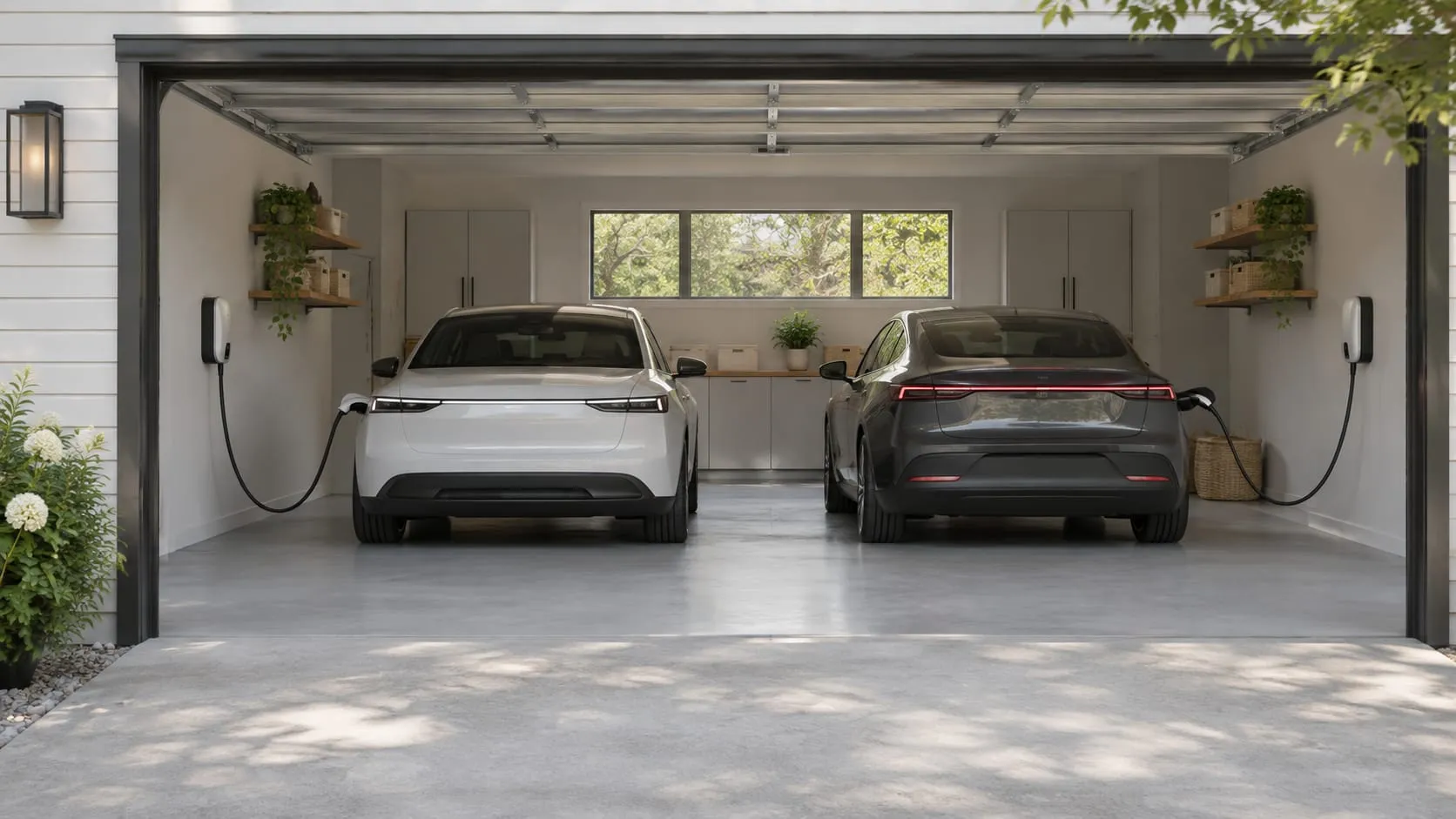
The best EV chargers for two cars
How to charge two EVs at home without doubling your circuit — chargers with documented power sharing, compared on maker specs.
Get the home-charging checklist
What to ask your electrician, which amps your car can really use, and new charger comparisons when they launch. No spam, unsubscribe anytime.